WindowsRE and Startup Repair
- If you cannot boot the computer or access startup options from the local installation, try:
- booting from the product media
- repair disk
- recovery partition
- configure BOIS/UEFI setup to set recovery media as boot device
- if no product media, can make system repair disk from Windows using the “Create a recovery drive” setting
- needs to have been done before computer started failing or from a working Windows install
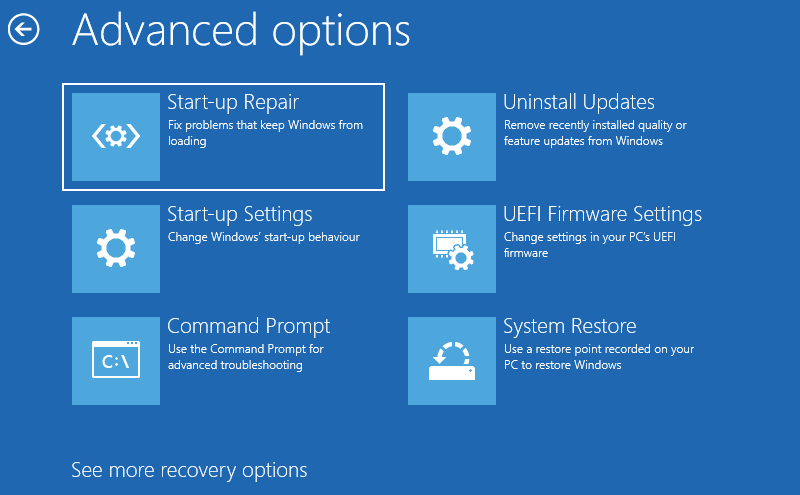
- Once in the recovery environment, select the Troubleshoot > Advanced options
- if boot files are damaged, use Startup Repair to try to fix them
- use System Restore to perform refresh or reset
- can run memory diagnostics
- enter Windows Recovery Environment (WinRE) command prompt to run
diskpart , sfc, chkdsk, bootrec, bcdedit, or regedit to try to repair the installation manually