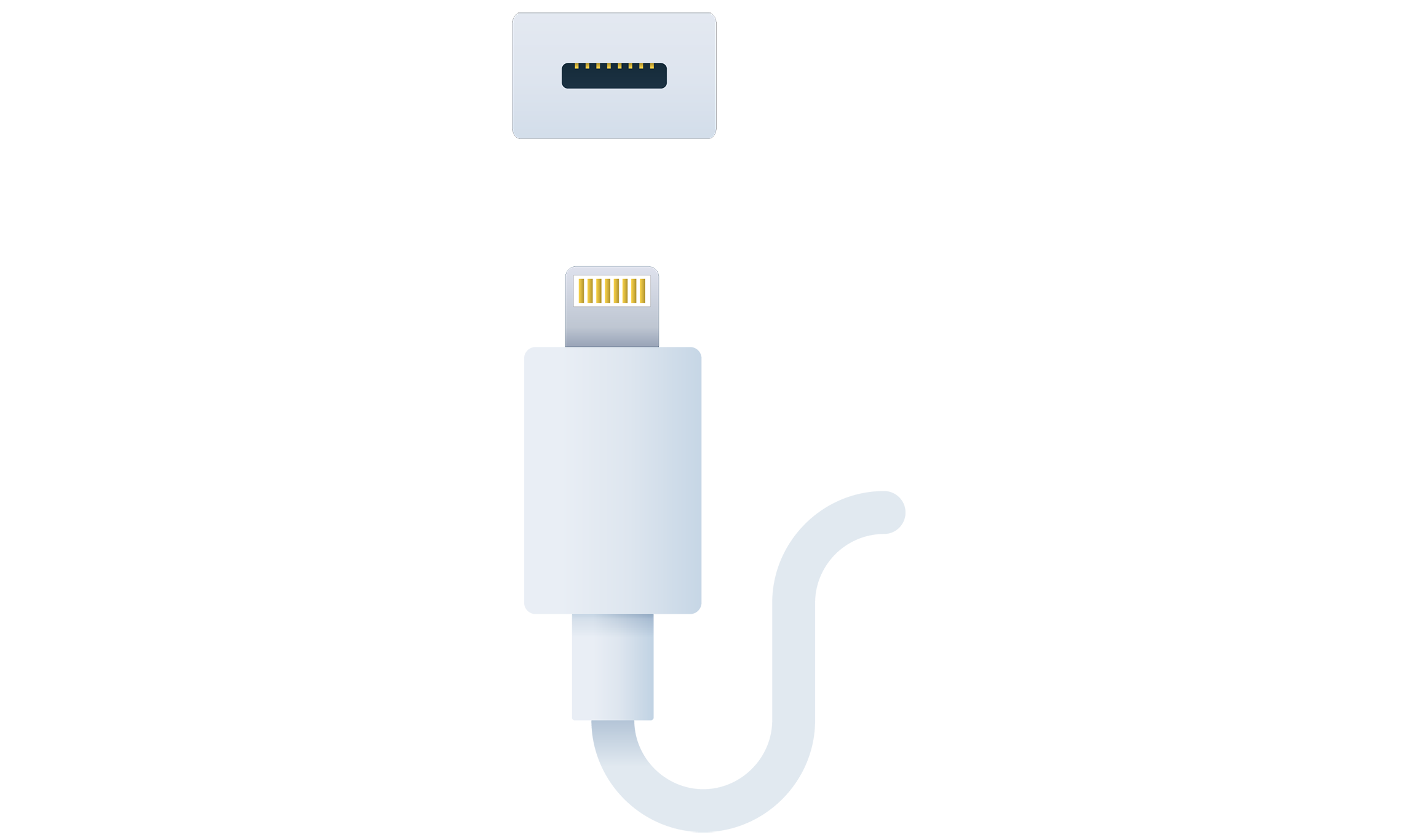
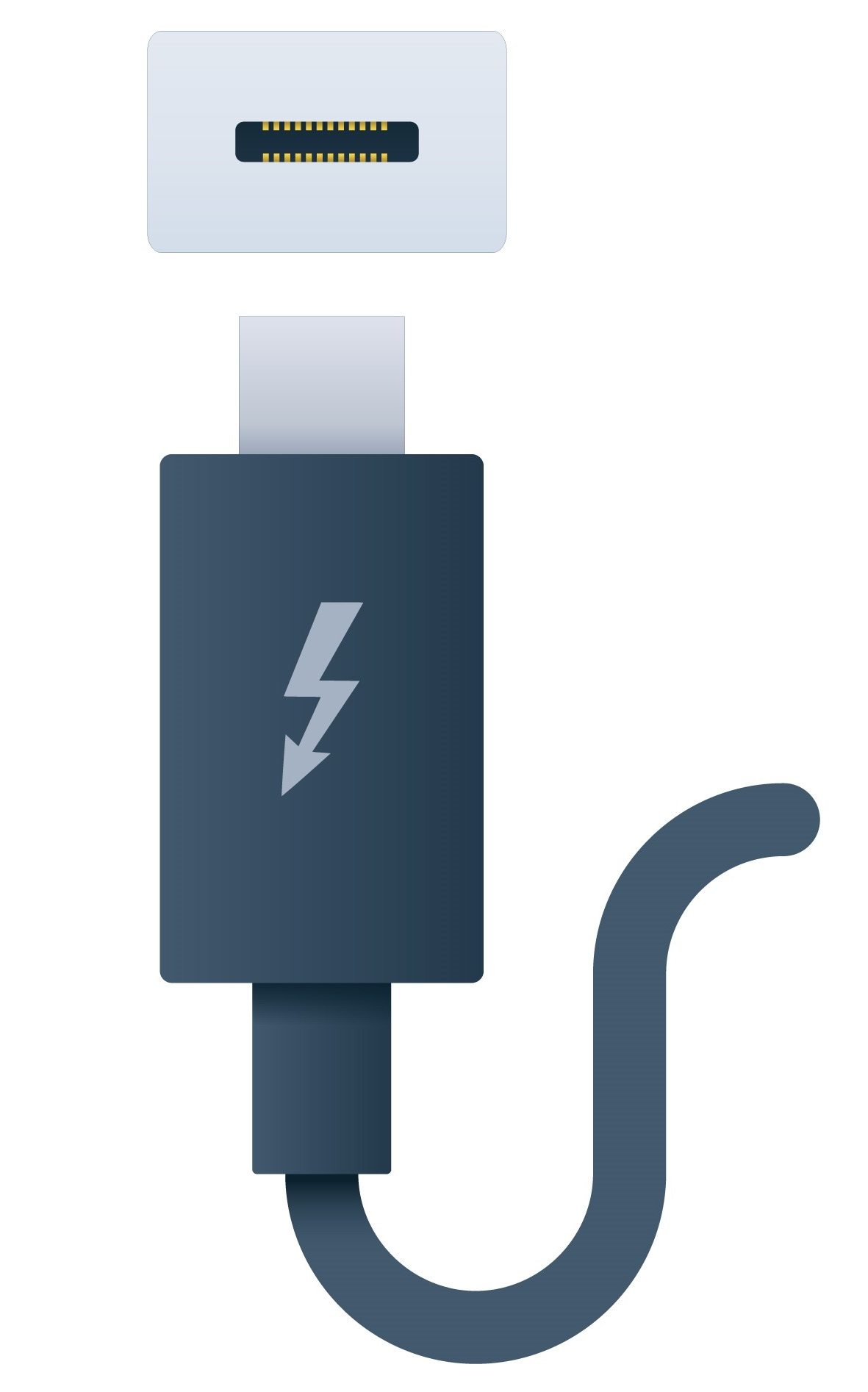
Thunderbolt and Lightning Cables
Although the Thunderbolt and Lightning interfaces are most closely associated with Apple computers and mobile devices, Thunderbolt is increasingly implemented on Windows and Linux PCs too.
Thunderbolt Interface
Thunderbolt can be used as a display interface like DisplayPort or HDMI and as a general peripheral interface like USB.
- Thunderbolt versions 1 and 2 use the same physical interface as MiniDP
- are compatible with DisplayPort so that a monitor with a DisplayPort port can be connected to a computer via a Thunderbolt port and a suitable adapter cable
- Thunderbolt ports are distinguished from MiniDP by a lightning bolt/flash icon
- Version 2 of the standard supports links of up to 20 Gbps
- supports monitor daisy-chaining
- Thunderbolt version 3 changes the physical interface to use the same port, connector, and cabling as USB-C
- Converter cables are available to connect Thunderbolt 1 or 2 devices to Thunderbolt 3 ports
- A USB device plugged into a Thunderbolt 3 port will function normally, but Thunderbolt devices will not work if connected to a USB port that is not Thunderbolt-enabled
- Thunderbolt 3 supports up to 40 Gbps over a short, high-quality cable (up to 0.5 m/1.6 ft.)
Note
- Not all USB-C ports support Thunderbolt 3
- Look for the flash icon on the port or confirm using the system documentation
- At the time of writing, converged USB 4 and Thunderbolt 4 standards have been developed, and products are starting to appear on the market
Lightning Interface
Apple’s iPhone and iPad mobile devices use a proprietary Lightning port and connector.
- connector is reversible
- found only on Apple’s mobile devices
- To connect such a device to a PC, you need a suitable adapter cable, such as Lightning-to-USB A or Lightning-to-USB C