Solid-State Drives (SSD)
A solid-state drive (SSD) uses flash memory technology to implement persistent mass storage.
- Flash memory performs much better than the mechanical components used in hard disk drives
- especially in read performance
- lower risks from total failure of the device due to mechanical shock and wear
- Flash chips are susceptible to a type of degradation over the course of many write operations
- drive firmware and operating system use wear leveling routines that evenly distribute writing on all blocks of an SSD to optimize the life of the device
- SSD can be installed as the computer’s only internal drive or as a boot drive for use with an additional hard drive
- In second scenario
- SSD would be used to install the OS and software applications
- HDD would be used for user data files
- In second scenario
- an SSD might be packaged in a 2.5-inch caddy and installed to a SATA port using the normal SATA data and power connectors
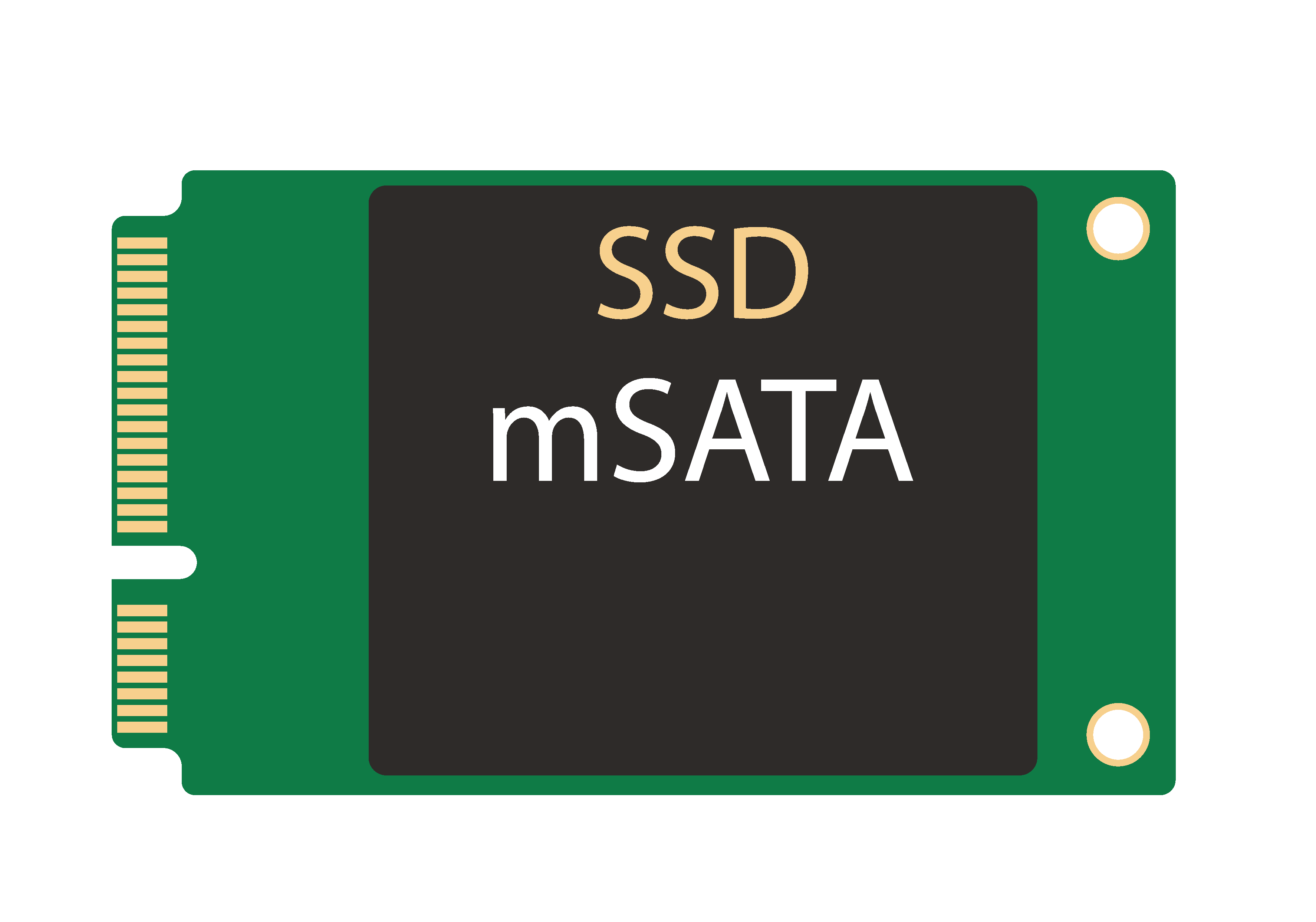
- mSATA form factor allows an SSD packaged as an adapter card to be plugged into a combined data and power port on the motherboard
- With both, the main drawback is that the 600 MBps SATA interface can be a bottleneck to the best performing SSDs
- can achieve transfer rates of up to 6.7 GB/s
- modern SSDs often use the PCI Express (PCIe) bus directly
- SATA uses the advanced host controller interface (AHCI) logical interface to communicate with the bus
- PCIe-based SSDs use the non-volatile memory host controller interface specification (NVMHCI) or NVM Express (NVMe)
- NVMe SSD can either be packaged for installation to a PCIe slot as an expansion card or to an M.2 slot
- M.2 adapter card form factor
- considerably smaller than a PCIe adapter
- oriented horizontally rather than vertically
- often used on laptops as well as PC motherboards
- M.2 supplies power over the bus so there is no need for a separate power cable
- can be different widths and lengths
- check that any given adapter will fit on your motherboard
- Labels indicate the adapter sizes supported
- E.g., M.2 2280 adapter is 22mm wide and 80mm long
Info
The NOT AND (NAND) flash memory used in SSDs comes in different types.
- Single level cell (SLC) is more reliable and more expensive than multi-level cell types
Info
- M.2 is a physical form factor
- You can obtain M.2 SSDs that use the SATA/AHCI bus.
- These will typically not perform as well as NVMe-based M.2 SSDs.
- On the motherboard, an M.2 socket may be able to support both types of drive or only one; check the documentation.
- SATA interface SSDs are usually B keyed
- 2-lane PCIe SSDs are usually B/M keyed
- and 4-lane SSDs are usually M keyed
Warning
SSDs are vulnerable to electrostatic discharge (ESD). Always take anti-ESD precautions when handling and storing these devices.