IP Forwarding Issues
- If address configuration on local host is correct,
- complete a series of connectivity tests to determine location and scope of issue:
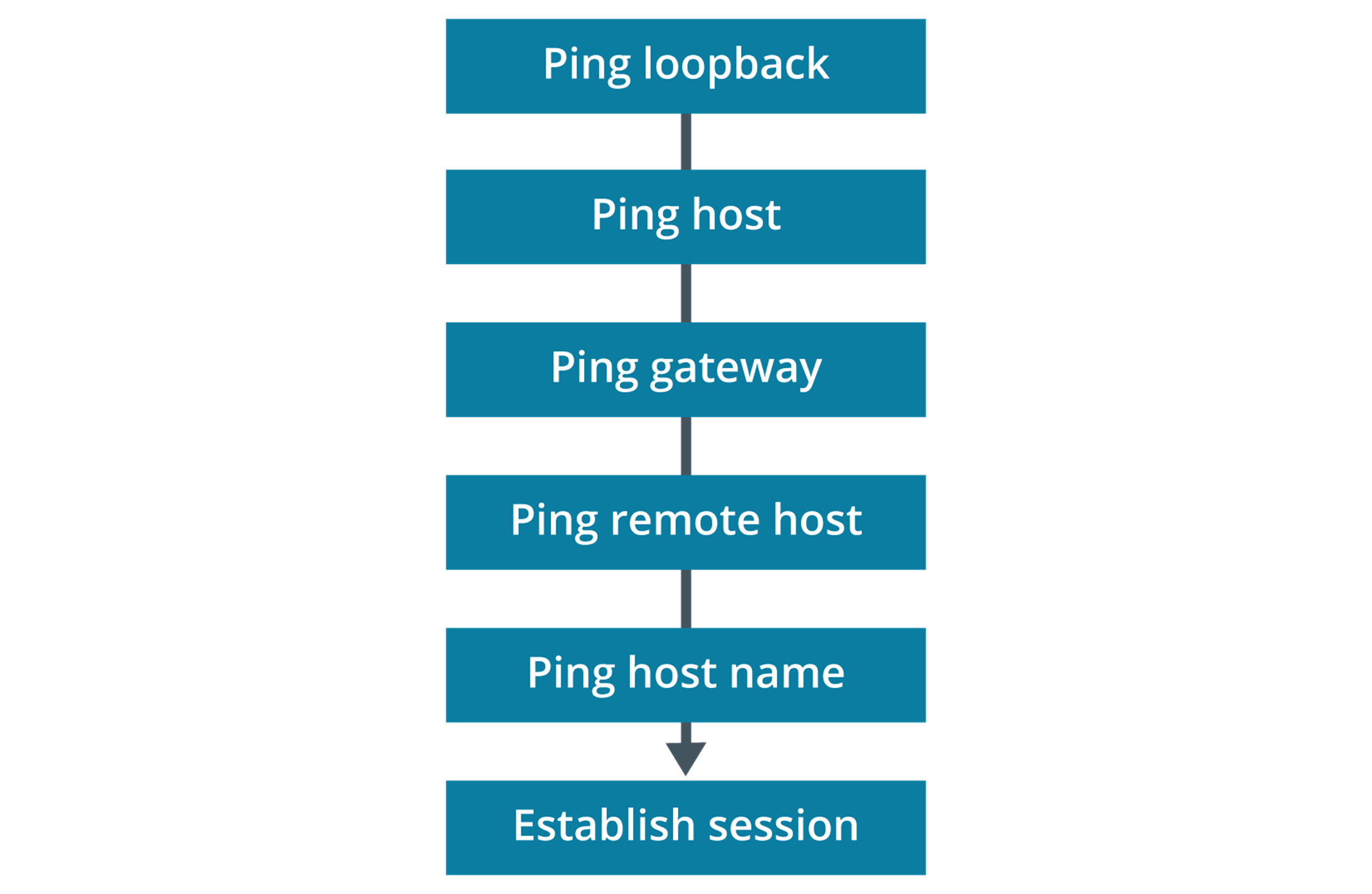
- ping the loopback address (
ping 127.0.0.1)- verify TCP/IP is installed and loaded correctly
- if fails, reinstall the network protocol stack
- ping IP address of local host
- to verify it was added correctly and to verify that the network adapter is functioning properly
- if fails, might be a configuration error or faulty network adapter or adapter driver
- Ping IP address of default gateway
- verifies if gateway is up and running and that you can communicate with another host on the network
- ping IP address of other hosts on the same subnet to test for local configuration or link problems
- if local host cannot be pinged and error is destination unreachable
- then verify the IP configuration is correct (IP and netmask)
- if correct, suspect a security issue (switch port security) or problem at Data Link layer or Physical layer
- if local host cannot be pinged and error is destination unreachable
- ping IP address of a remote host to verify you can communicate through a router
- if fails, check the default gateway parameter on local host to rule out incorrect configuration
- if correct and can ping gateway, then investigate the routing infrastructure
Info
- when performing tests via ping, be aware that ICMP packets can be blocked by a firewall or other security software
Info
- this approach is useful when you cannot diagnose the cause of a problem or when you are verifying a new/changed IP configuration
- in practice, might start with simple ping test to remote host to identify or reproduce problem