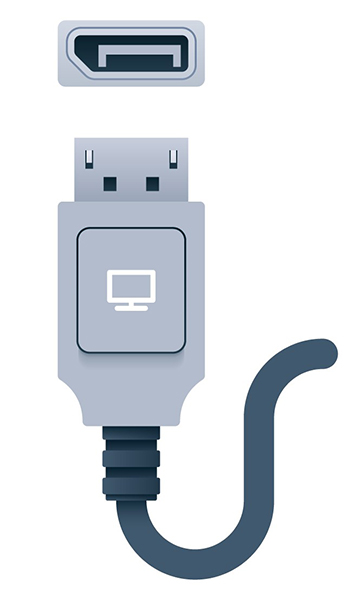
HDMI and Display Port Video Cables
- The USB interface supports many types of devices, but it has not traditionally been used for video
- video has high bandwidth demands, it is typically provisioned over a dedicated interface
Video cable bandwidth is determined by two main factors:
- The resolution of the image
- measured in horizontal pixels by vertical pixels
- E.g. 1920x1080 for HD, 3840x2160 for 4K
- The speed at which the image is redrawn
- measured in hertz (Hz) or frames per second (fps)
Example
- uncompressed HD video at 60 fps requires 4.5 Gbps
- 4K at 60 fps requires 8.91 Gbps
Speed: FPS vs Hz
- The frame rate in fps is used to describe the video source
- hertz is the refresh rate of the display device and video interface
- To avoid display artifacts such as ghosting and tearing, the refresh rate should match the frame rate or be evenly divisible by it
- E.g., if the frame rate is 60 fps and the refresh rate is 120 Hz, the video should play smoothly
Computer displays are typically of the liquid crystal display (LCD) thin film transistor (TFT) type.
- Each pixel in a color LCD comprises cells with filters to generate the three additive primary colors red, green, and blue (RGB)
- Each pixel is addressed by a transistor to vary the intensity of each cell, therefore creating the gamut (range of colors) that the display can generate
- The panel is illuminated by a light-emitting diode (LED) array or backlight
Note
- An LCD/TFT is often just referred to as a flat-panel display
- also called LED displays after the backlight technology (older flat panels use fluorescent tube backlights)
- Premium flat-panel monitors are of the organic LED (OLED) type
- each pixel is its own light source
- allows for much better contrast and color fidelity
High-Definition Multimedia Interface
The High-Definition Multimedia Interface (HDMI) is the most widely used video interface.
- ubiquitous on consumer electronics
- supports both video and audio, plus remote control and digital content protection (HDCP)
- Updates to the original HDMI specification have introduced
- support for high resolutions, 4K and 8K
- gaming features, such as varying the monitor refresh rate to match the frame rate of the video source
Note
- Support for audio is useful because most TVs and monitors have built-in speakers
- video card must have an audio chipset for this to work
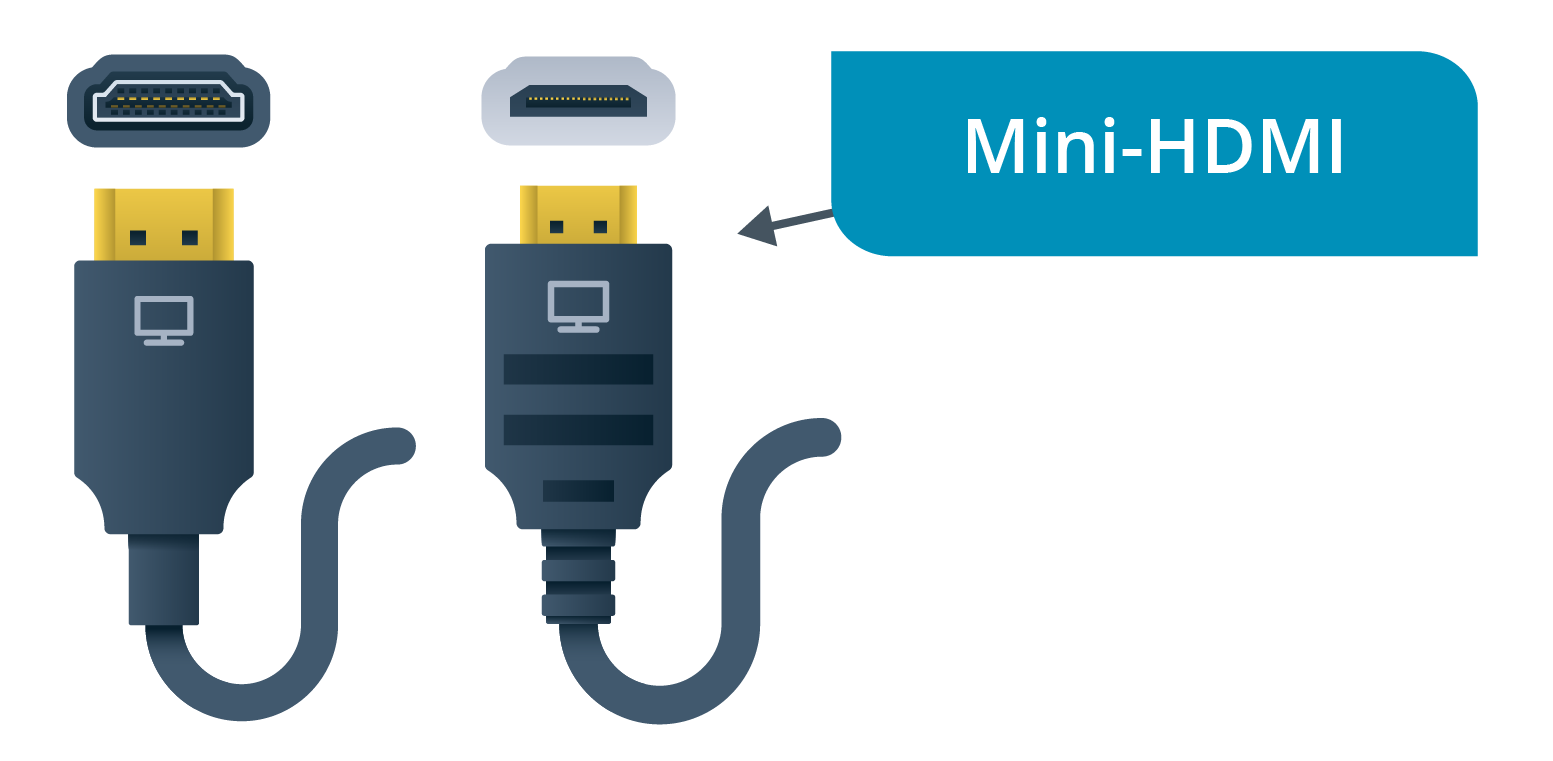
There are full-size (Type A), mini (Type C), and micro (Type D) connectors, all of which are beveled to ensure correct orientation.
2 Categories
- Standard
- High Speed
- supports greater lengths and is required for v1.4 features (4K and 60+ Hz)
- HDMI versions 2.0 = Premium High Speed (up to 18 Gbps)
- HDMI version 2.1 = Ultra High Speed (up to 48 Gbps)
DisplayPort Interface
- HDMI was developed by consumer electronics companies and requires a royalty to use
- DisplayPort was developed as a royalty-free standard by the Video Electronics Standards Association (VESA)
- VESA is an organization that represents PC graphics adapter and display technology companies
- DisplayPort supports similar features to HDMI, such as 4K, audio, and content protection
- There are full-size DP++ and MiniDP/mDP port and connector types, which are keyed against incorrect orientation
- Bandwidth can be allocated in bonded lanes (up to four)
- bitrate of each lane was originally 2.7 Gbps but is now (with version 2.0) up to 20 Gbps
Benefit
One of the main advantages of DisplayPort over HDMI is support for daisy-chaining multiple monitors to the same video source.
- Using multiple monitors with HDMI requires one video card port for each monitor